Synapse reads your meeting notes and pulls out what was decided, who does what next, and drafts the follow-up email for you. Every meeting adds to a knowledge base your whole team can rely on.
No new habits. Keep using the notetaker you already have, and Synapse does the rest.
Connect Fireflies or Otter, forward notes to your workspace's own email address, or upload files.
Within a minute you get the decisions, action items with owners, and the open questions, plus a draft follow-up email.
Your knowledge base grows with every meeting, and a Monday briefing tells you what needs attention this week.
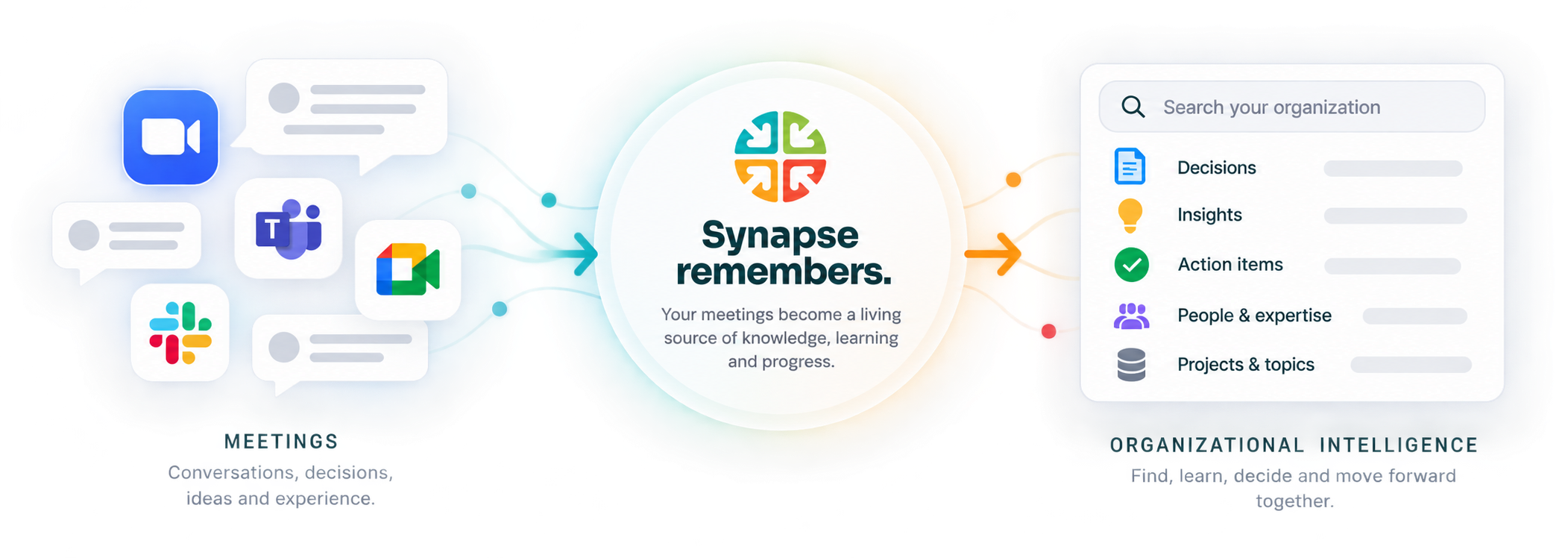
One calm place for what was said, what was decided and what happens next.
Pulled out automatically, with owners. You confirm what's right before anything changes.
A ready-to-send recap after every meeting. Edit it, then send it from your name. Replies come straight to you.
One email at the start of the week: open actions, upcoming deadlines and what changed.
Every meeting adds to a searchable knowledge base, organized by topic, across all your workspaces.
See who owns what, and who was involved in which decisions, across every meeting.
Built with the Strategic Doing Institute: Synapse flags what's missing for real collaboration to move forward.
Simple plans, no setup fees, cancel anytime.
No. You can upload or paste notes you took yourself, forward them by email, or connect Fireflies or Otter so meetings arrive on their own.
A workspace is one ongoing thread of meetings: a client, a project or a team. Each one has its own knowledge base, its own email address for sending in notes, and its own people. You can group workspaces and see everything across them.
Only you. If you invite someone to a workspace, they see that workspace only, never the rest of your account.
Only when you press Send. Follow-up emails are drafted for you to review and edit first. They go out from Synapse with your name on them, and replies go straight to your own inbox.
Nothing breaks. During the launch period we're not cutting anyone off. We'll let you know before limits apply.
Yes. Cancel whenever you like and you keep Pro until the end of the period you paid for. Your workspaces and notes stay with you on the Free plan.
Free to start. No credit card.
Get started free →